Shepherd vs. ezyVet: at a glance
 |  | |
|---|---|---|
| Workflow Design | Built around a single, consistent workflow. | Flexible workflows with multiple ways to complete the same task. |
| Records → invoice connection | Automatically synced. If it’s in the record, it’s on the invoice. | May require manual checks depending on workflow setup. |
| Pricing structure | Simple pricing: you pay per doctor, not team size. | Complex pricing that charges based on features; you pay per user, not doctor |
| Learning curve | Workflow-first design feels familiar on day one. | Longer training required to master system complexity. |
What vet teams say after switching
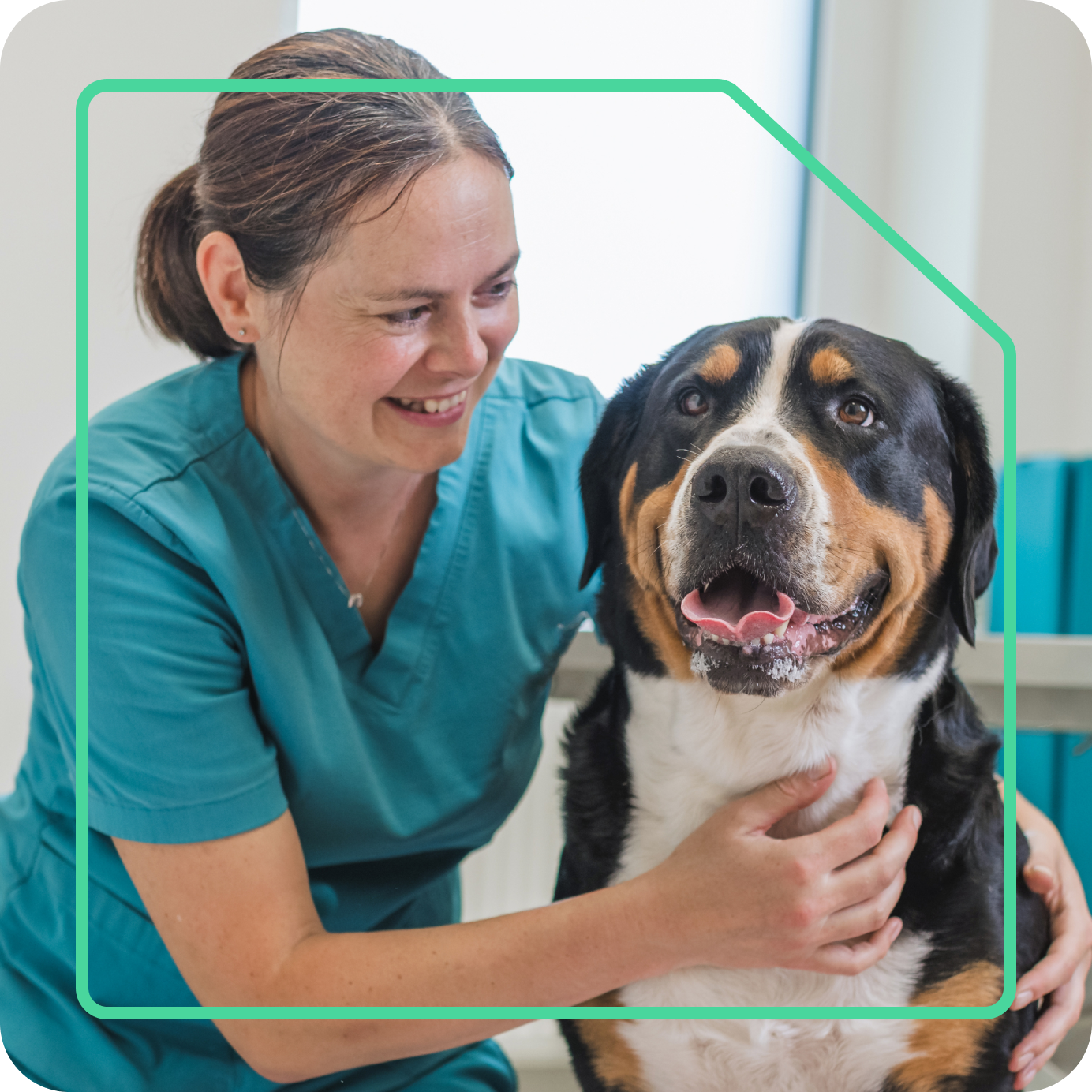
I literally demoed a dozen PIMS… Shepherd really listens and pays attention to my needs.
Jamie B.
Practice Manager

Second Nature Software™ for your busiest hour.
Looking for software that runs alongside your team and not something you have to manage all day? Shepherd was built for that — by people who understand real clinical flow.
Schedule a demo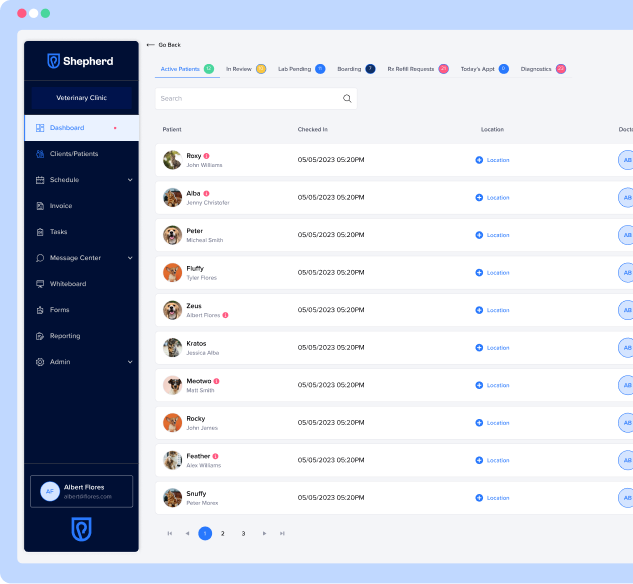
What makes Shepherd different
Built by veterinary professionals
Shepherd is shaped by real clinical experience and not theoretical workflows. Our team has worked in practices, and we have a Director of Veterinary Medicine guiding how the product evolves. That means decisions are grounded in what actually works on the floor. And our roadmap is driven by practitioner feedback, not investor wishlists. Every feature has a real workflow behind it.
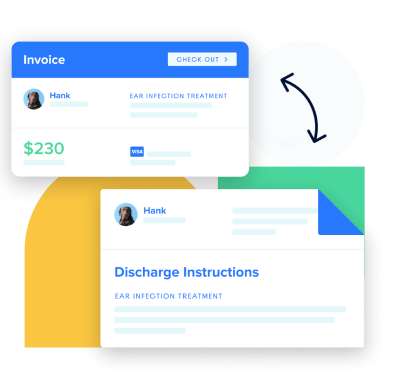
Automatic accuracy (no missed charges)
When care is documented, Shepherd keeps everything connected behind the scenes. Treatments, notes, and services flow directly into the invoice. No end-of-day cleanup. No revenue left behind.
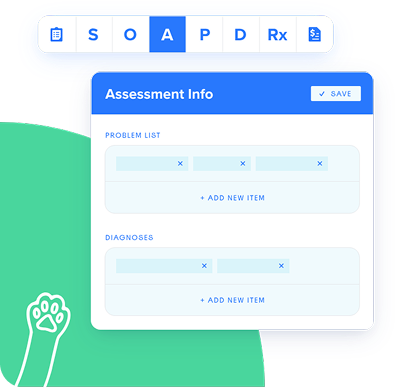
Designed for real clinical flow
Instead of offering multiple ways to do the same thing, Shepherd focuses on the natural way: aligned with how vet teams naturally move through a visit. That’s why it feels intuitive and consistent from day one. It’s called “second nature software” because it feels intuitive, stays out of your way, and keeps the day moving.
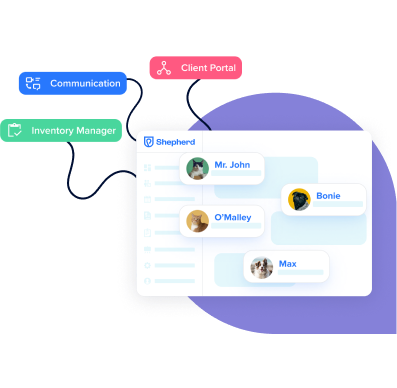
Everything connected
Records, communication, reminders, and payments all live in one system. No bouncing between tools. No disconnected workflows. You get a system that keeps the entire visit aligned from start to finish at a simple price.
See how the day flows in Shepherd
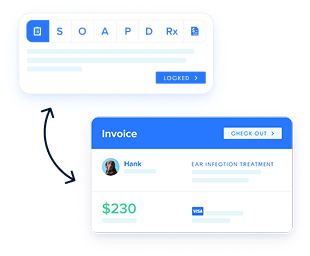
During the visit
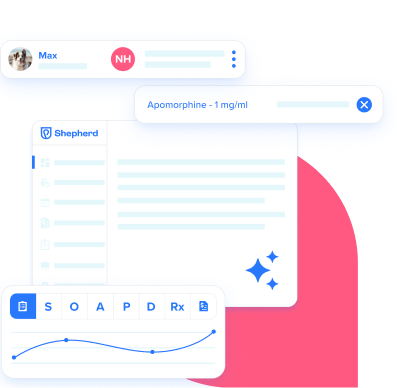
- Document in the SOAP → invoice updates automatically.
- Treatments link to charges, reminders & discharge instructions.
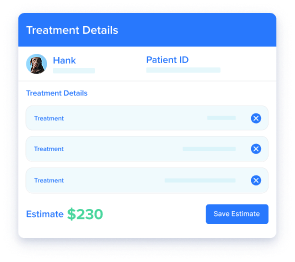
Before checkout
- Estimate → treatment plan →
invoice. - No duplicate entry.
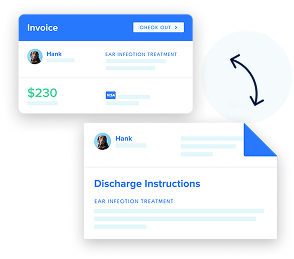
After the visit
- Discharge instructions generated from the record.
- Payment processed without retyping totals.
During the visit
- Document in the SOAP → invoice updates automatically.
- Treatments link to charges, reminders & discharge instructions.
Before checkout
- Estimate → treatment plan →
invoice. - No duplicate entry.
After the visit
- Discharge instructions generated from the record.
- Payment processed without retyping totals.
See your workflow in Shepherd.
See how practices flow through even their busiest hours with Shepherd.
- Walk through a real visit from SOAP to invoice to discharge
- Ask questions specific to your clinic
- See how Shepherd fits your team

Frequently asked questions
How easy is it to transition to Shepherd?
Most clinics start with one workflow and expand from there. Because Shepherd is intuitive, training is faster and easier to manage across roles.
Will my team actually use it?
Shepherd is built to feel familiar on day one. Because it mirrors real clinical flow, adoption tends to happen naturally without constant retraining. Standardized workflows reduce confusion and help teams stay aligned.
What happens to my data?
Your data is migrated with support, so you’re not starting from scratch. We guide you through the process step by step.
How long is the onboarding process?
Onboarding is completed in less than 12 weeks. We'll move right along with you.
How quickly does customer support respond?
Within minutes!
Can I see my specific workflows?
Yes! Demos are tailored to your most common appointment types, so you can see exactly how Shepherd fits your day-to-day.