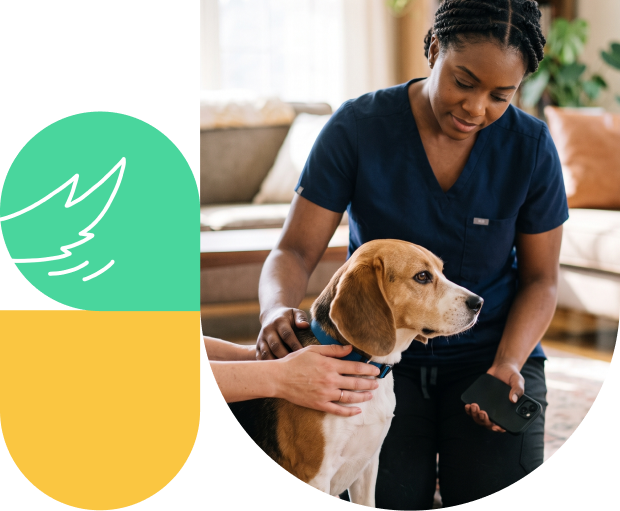
How Shepherd runs in the field
Before the appointment
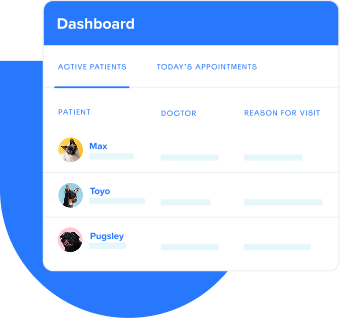
- The dashboard shows client alerts with GPS-friendly addresses and a location field for route planning by ZIP code, direction, or neighborhood.
- Shepherd integrates with Kumba, a scheduling tool that books appointments by geographic area, so your route makes sense before you start it.
- Pre-built estimates can be created in advance and imported at the appointment.
During the appointment
- Shepherd runs in the browser on your tablet, phone, or laptop.
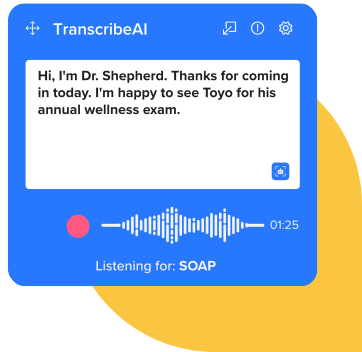
- TranscribeAI captures SOAP notes via ambient dictation during the visit or while driving between stops.
- Charges stay connected to the record as care is documented. 96.2% of charges entered in the medical record are reflected on the invoice.
Between stops
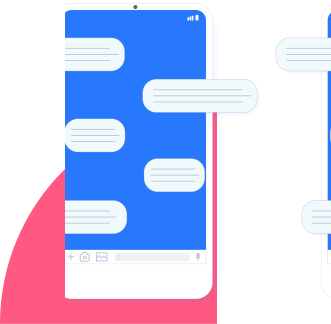
- Two-way texting with field-ready templates ('We're on the way!') handles client communication between appointments.
- When connectivity is limited, treatment plans and notes can be prepared in advance.
- Once back online, everything syncs, and a payment link can be sent to the client via Shepherd Pay.
At checkout
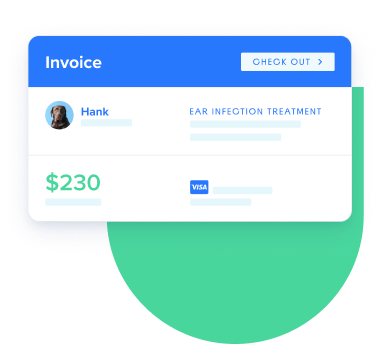
- Shepherd Pay handles payment on-site without a third-party processor. If the client needs to pay after the visit, a payment link goes to their phone.
See how Shepherd works from the road
Book your demoSuccess by the numbers
96.2%
17.3%
Cut third-party costs
Built for how a mobile practice actually runs
More than 90% of Shepherd's team came from veterinary clinics. The mobile workflows in Shepherd reflect how a practice on the road field runs.
Lauren Jones, VMD, is Shepherd's Director of Veterinary Medicine. She reviews every product decision against clinical reality, which for a mobile practice means asking whether the workflow holds up when there's no desk, no reliable signal, and a client waiting at the door.
Talk to someone who gets the mobile workflow >>
Frequently asked questions
Is Shepherd built for mobile and housecall veterinary practices?
Yes. Shepherd runs in the browser on phones, tablets, and laptops; no separate app or VPN required. It includes GPS-friendly route planning, Kumba integration for geography-based scheduling, in-field SOAP capture with TranscribeAI, and mobile checkout via Shepherd Pay.
What happens in areas with no cellular service?
You can prepare treatment plans and notes in advance for no-service visits. Once back online, everything syncs and you can send a payment link to the client via Shepherd Pay. For most visits, a mobile hotspot provides a reliable backup. Shepherd's onboarding team can help you develop a connectivity plan tailored to your routes.
How does scheduling work for a mobile practice?
Shepherd supports request-only bookings through the free client portal. For geography-based scheduling, Shepherd integrates with Kumba, which books appointments by area so your route is organized before the day starts.
Can I bill a client after the visit if I can't process payment on-site?
Yes. Shepherd Pay allows you to send a payment link to the client's phone after the visit. They can pay remotely without any additional setup on your end.
Does Shepherd work for a hybrid practice that also has a clinic location?
Yes. Shepherd runs the same workflow across both settings—same login, same records, same tools—whether you're at a clinic or on the road.